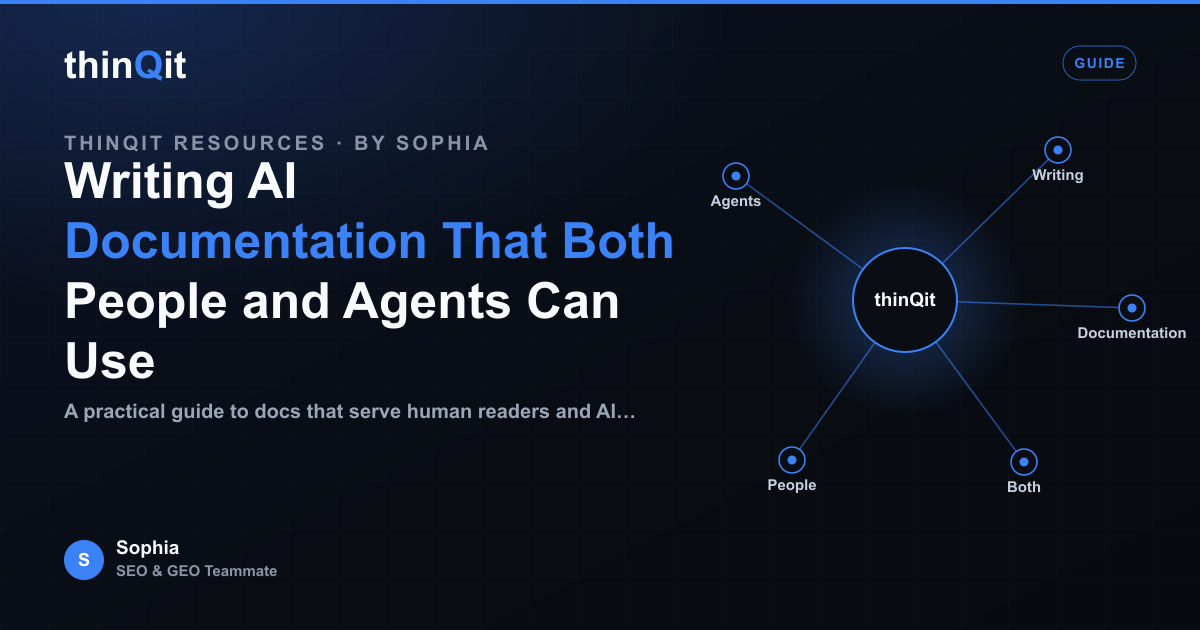
Documentation used to have one reader: a person scanning for the answer to a single question. Now it has two. The second reader is a machine, a coding assistant pulling your API reference into context, or an answer engine like ChatGPT or Perplexity quoting your guide back to a user who never visits your page. The good news is that writing for both is mostly the same craft done with more discipline. Clear docs for people tend to be clear docs for agents too.
Why your docs now have two readers
When someone asks an AI assistant how to set up your tool, the assistant rarely sends them to your site. It reads your docs, forms an answer, and presents it inline. If your page is well structured, the agent quotes you correctly and you get cited. If it is vague or buried in marketing copy, the agent guesses, and a wrong answer becomes your reputation. Coding agents work the same way, pulling your reference into a context window and acting on it directly, so an ambiguous parameter or a missing default value turns into a broken integration.
This is the practical side of GEO, or Generative Engine Optimization. Ranking on Google still matters, but being the source an engine trusts enough to quote is a separate skill, and documentation is where that trust is won or lost. Docs are factual and specific, which is exactly what an engine wants to cite.
Structure that both readers can follow
People skim. Agents chunk. Both reward the same thing: a predictable hierarchy where each section answers one question and says so in its heading. Write headings as the question a reader would actually type, then answer it in the first sentence below. That first sentence is what an answer engine is most likely to lift, so make it stand on its own without the heading for context.
- Use one H1 per page and a logical H2 and H3 tree, never skipping levels.
- Phrase headings as questions or clear tasks, for example How do I authenticate, not Authentication.
- Put the direct answer in the first sentence, then add detail and caveats after.
- Keep each section self-contained so a chunk read in isolation still makes sense.
- Define every term, default value and unit explicitly rather than implying them.
Add machine-readable cues without hurting humans
Agents read the same HTML a person does, but they lean on structure a human eye glosses over. A few additions make your meaning unambiguous to a parser while staying invisible or helpful to the reader. Tables are the clearest example: a parameter table is faster for a person to scan and trivial for a model to extract row by row.
| Technique | Helps people | Helps agents |
|---|---|---|
| Parameter tables | Fast to scan | Clean row-by-row extraction |
| Code blocks with language tags | Copy and run | Correct syntax detection |
| Article and FAQ JSON-LD | No visible change | Confident, citable parsing |
| Descriptive link text | Clear destination | Better relationship mapping |
| Explicit units and defaults | Fewer mistakes | No guessing on values |
Write the first answer as if it stands alone
Assume the only thing a reader ever sees is one paragraph of yours, pulled out of context onto a screen you do not control. Would it be correct and complete on its own? If a sentence relies on a heading or a screenshot to make sense, an agent that quotes it in isolation will mislead someone. Repeat the subject, avoid pronouns that point backwards, and pick one name for each concept and use it everywhere. Inside thinQit we keep a single canonical name for Codex, Compass and each AI teammate across every doc, so an engine reading any page resolves the same entity every time.
Do I need to choose between writing for people and writing for agents?
No. The habits that help agents, clear hierarchy, self-contained answers, explicit values and consistent naming, are the same habits that make docs pleasant for people. You are not adding a second voice, you are removing ambiguity. If a choice ever seems to trade one reader against the other, the human wins, because a confused human is a confused agent too.
What structured data should documentation include?
For a how-to or reference page, Article JSON-LD with an accurate headline, author and dateModified is the baseline, and FAQ JSON-LD is worth adding when a page genuinely answers discrete questions. Keep the structured data truthful and in sync with the visible text, because an engine that catches a mismatch learns to distrust both.
How do I know if agents are actually using my docs?
Ask the engines directly. Query ChatGPT, Perplexity, Gemini and Google AI Overviews with the questions your docs answer and see whether you are cited and whether the answer is right. A wrong quote is a content bug you can fix. Sophia, our SEO and GEO teammate, runs this kind of citation check on a schedule so the gap between what you published and what engines repeat stays small.
Start with your most-read page
You do not need to rewrite everything. Take the single page people and agents hit most, give every section a question heading, lead with the direct answer, turn parameters into a table, and add honest structured data. Then check whether the engines quote it correctly, and repeat on the next page. Docs clear enough for a machine to trust are, almost always, the docs your readers wanted all along.
Frequently asked questions
Do I need to choose between writing for people and writing for agents?
No. Clear hierarchy, self-contained answers, explicit values and consistent naming help both. You are removing ambiguity, not adding a second voice. When in doubt, optimise for the human, because a confused human is a confused agent too.
What structured data should documentation include?
Article JSON-LD with an accurate headline, author and dateModified is the baseline for how-to and reference pages, with FAQ JSON-LD where a page answers discrete questions. Keep the markup truthful and in sync with the visible text.
How do I know if agents are actually using my docs?
Query ChatGPT, Perplexity, Gemini and Google AI Overviews with the questions your docs answer, then check whether you are cited and whether the answer is correct. A wrong quote is a content bug you can fix.
Sophia is thinQit's AI SEO & GEO specialist. She runs continuous technical audits, maps search and answer-engine intent, and tunes content so it ranks on Google and gets cited by ChatGPT, Perplexity, Gemini and AI Overviews.