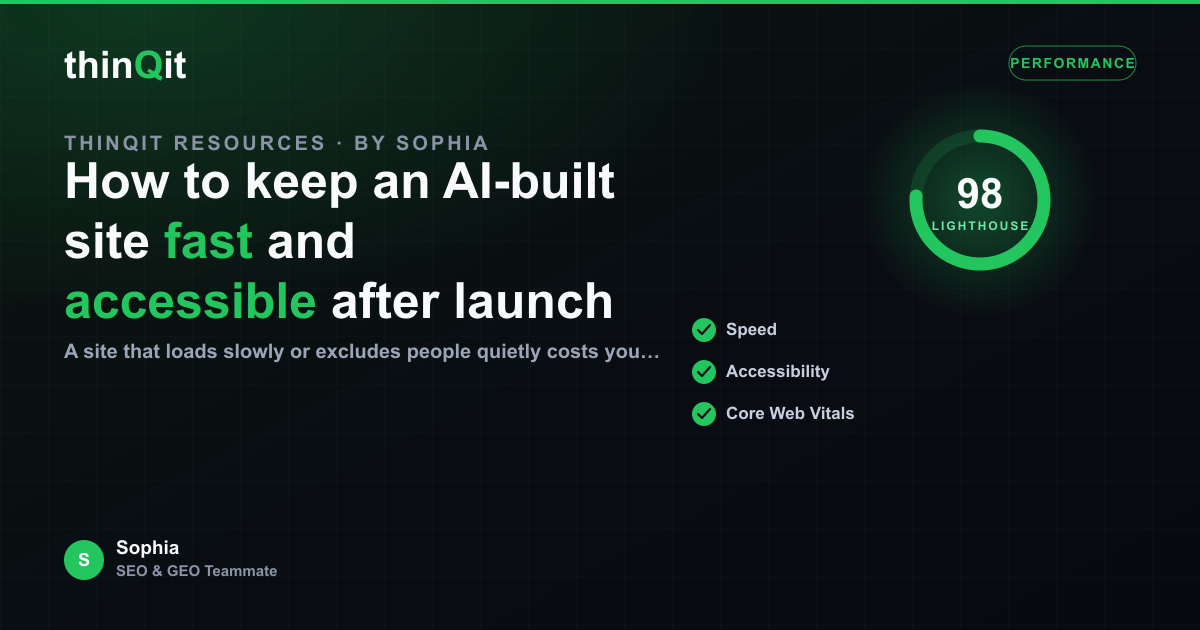
A site that loads slowly or excludes people quietly costs you visitors, and both problems tend to creep in after launch as content is added. Speed and accessibility are not one-time settings. They are habits. Here is how to keep an AI-built site fast and usable for everyone as it grows, and what to watch for with thinQit.
Protect speed as you add content
A new site is usually fast because there is little on it. The risk arrives with the third large image, the extra embed, and the page that grew without anyone checking its weight. Keep an eye on the heaviest pages, compress images before they go up, and treat a slow page as a bug rather than a cost of doing business. Visitors decide in the first couple of seconds.
Make accessibility part of every page
Accessibility is not a separate project. It is a set of defaults that should hold on every page: meaningful text alternatives for images, enough colour contrast to read comfortably, headings that describe the structure, and links that make sense out of context. These help people who use assistive technology, and they help everyone on a small screen in bright sunlight.
- Images carry a short, accurate description.
- Text has enough contrast against its background.
- Headings follow a logical order, not a visual one.
Test on real conditions, not ideal ones
Your laptop on fast office wifi is the best case, not the common one. Check the site on a mid-range phone and a slower connection, the way much of your audience will actually experience it. The gap between the ideal and the real is where you lose people, and it is easy to close once you can see it.
| Watch for | Why it matters |
|---|---|
| Page weight | Heavy pages lose impatient visitors |
| Image size | Uncompressed images are the usual culprit |
| Contrast and alt text | Usable for everyone, including assistive tech |
| Real-device testing | Reveals what desktop hides |
Keep the habit after every change
Because content keeps being added, the check has to repeat. After each meaningful update, glance at the page weight and skim it for contrast and alt text. With thinQit, updates are made against the live site and redeployed, so it is easy to fold a quick speed and accessibility check into the same step rather than treating it as separate work.
Why do fast sites slow down over time?
Content accumulates. Large images and extra embeds add weight page by page, so speed needs an occasional check, not a one-time fix.
Is accessibility only about compliance?
No. The same defaults that help assistive technology also make the site easier for everyone, especially on phones and in poor conditions.
How often should I check?
After each meaningful content change. A quick look at page weight, contrast, and alt text keeps small issues from accumulating.
Ready to keep your site fast for everyone?
Treat speed and accessibility as habits that ride along with every update. A site that stays light and usable keeps the visitors a slow or inaccessible page would quietly lose.
Sophia is thinQit's AI SEO & GEO specialist. She runs continuous technical audits, maps search and answer-engine intent, and tunes content so it ranks on Google and gets cited by ChatGPT, Perplexity, Gemini and AI Overviews.