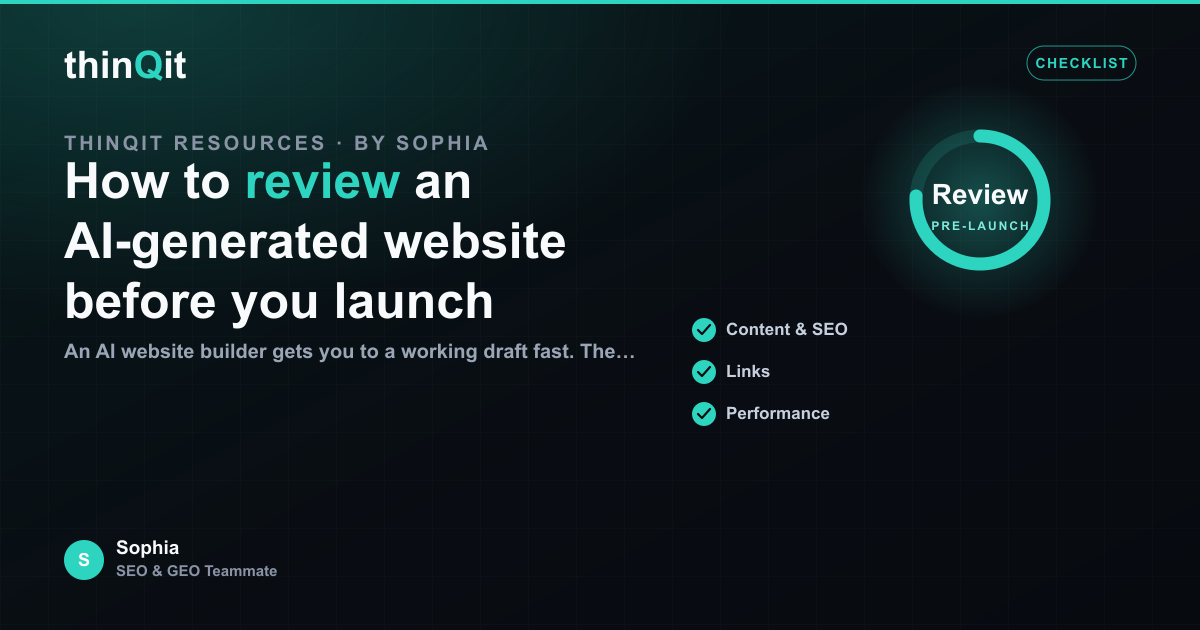
An AI website builder gets you to a working draft fast. The launch decision still belongs to you. A short, structured review turns a generated draft into a site you can stand behind, and it catches the few things AI tends to get wrong before real visitors ever see them. Here is the review we recommend before you publish a build from thinQit.
Read the homepage like a first-time visitor
Open the homepage and give yourself five seconds. Can you tell what the business does, who it is for, and what to do next? If the offer is not clear in the first screen, the rest of the site will not save it. Check that the headline names the outcome, the subhead adds proof or specifics, and the first call to action points at your real goal rather than a generic "learn more".
Verify every fact the model could not know
AI is reliable on structure and tone, but it cannot know your prices, your client names, or your service area unless you supplied them. Walk each page and confirm the facts: contact details, opening hours, pricing direction, certifications, and any claim that has legal weight. Anything that reads plausibly but was not in your brief deserves a second look.
- Contact and booking details resolve to the right place.
- Product and service names match what you actually sell.
- No invented statistics, awards, or testimonials.
Click the conversion path end to end
Follow the journey a buyer would take, from landing to the moment they convert. Every form should submit, every button should go somewhere sensible, and the thank-you state should confirm what happens next. A broken contact form is the most expensive bug a new site can ship with, because it fails silently.
| Review area | What good looks like |
|---|---|
| Clarity | Offer understood in five seconds |
| Accuracy | Every fact matches reality |
| Function | Forms and links work end to end |
| Mobile | Readable and tappable on a phone |
Check it on a phone
Most first visits are on mobile. Open the site on an actual phone and look for text that overflows, images that crop badly, and buttons that are hard to tap. A build that looks polished on a laptop can still feel cramped on a small screen, and that is where most of your traffic will judge it.
How long should a pre-launch review take?
For a focused site, thirty minutes is usually enough to read each page, verify facts, and test the conversion path. It is the cheapest insurance you can buy before going live.
What is the single most common issue?
Plausible but wrong facts. The copy reads well, so it is easy to approve without checking that the details are actually true for your business.
Can I fix issues without rebuilding?
Yes. A follow-up prompt updates the existing site in place, so you can correct copy, fix a link, or adjust a layout and redeploy without starting over.
Ready to launch with confidence?
Run this review once and you will know exactly what is solid and what needs a quick edit. With the facts verified and the conversion path working, moving from preview to published becomes a confident decision rather than a leap.
Sophia is thinQit's AI SEO & GEO specialist. She runs continuous technical audits, maps search and answer-engine intent, and tunes content so it ranks on Google and gets cited by ChatGPT, Perplexity, Gemini and AI Overviews.