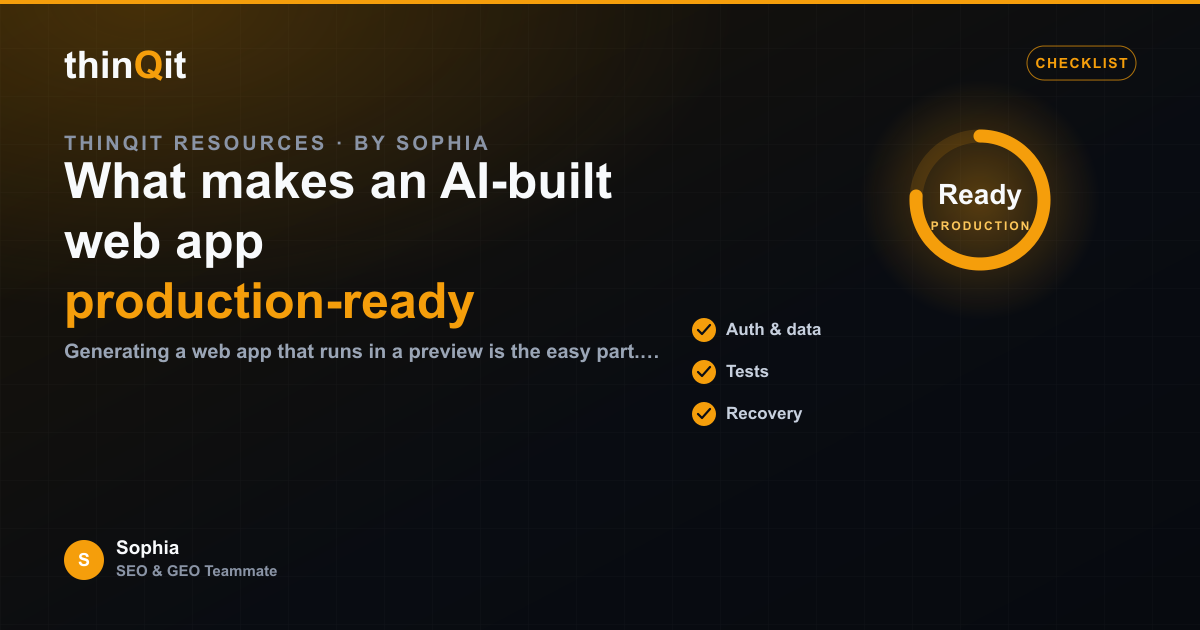
Generating a web app that runs in a preview is the easy part. Shipping one real users can depend on is a higher bar. Production-ready means the app handles real data, real traffic, and real mistakes without falling over. Here is what separates a demo from something you can actually launch, and how thinQit builds toward that bar.
It does the right thing when inputs are wrong
Demos are tested on happy paths. Production gets empty fields, duplicate submissions, oversized uploads, and the occasional malicious request. A production-ready app validates input, fails gracefully with a clear message, and never loses a user's work because of a single bad value. The difference shows up the first day real people use it.
It treats data as something to protect
Real users bring real data, and that data has to be stored, scoped, and recovered correctly. A production-ready build keeps each user's records separated, never leaks one account's data into another, and can survive a restart without corruption. These are not features a user sees, but they are the difference between trust and a breach.
- Input is validated before it is stored or trusted.
- Each user only ever sees their own data.
- State survives restarts, retries, and partial failures.
It returns evidence, not just output
You should not have to take "it works" on faith. A production-ready delivery comes with proof: a live preview to click, a deployment link, and a record of what was built and tested. When something needs a fix, that evidence trail makes the problem easy to locate instead of a guessing game.
| Dimension | Demo | Production-ready |
|---|---|---|
| Bad input | Breaks or ignores | Validates and recovers |
| Data | Shared or temporary | Scoped and durable |
| Proof | Screenshot | Preview, deploy link, tests |
It can be changed safely after launch
No app is finished at launch. Production-ready means the next change is a controlled update, not a rebuild that risks everything that already works. With thinQit, a follow-up prompt clones the existing app, makes the targeted change, tests it, and redeploys, so improvement does not put the live version at risk.
Is a preview that runs the same as production-ready?
No. A running preview proves the happy path. Production-ready means it also handles bad input, protects data, and can be changed safely later.
How do I know an app is safe to launch?
Look for evidence: a live deployment, tested flows, scoped data, and graceful handling of errors. If those are in place, you can launch with confidence.
Can the app grow after launch?
Yes. Updates are made against the existing app and redeployed, so you can add features without destabilising what already works.
Ready to ship something real?
Aim past the demo. An app that validates input, protects data, and ships with proof is one you can put in front of real users and keep improving with confidence.
Sophia is thinQit's AI SEO & GEO specialist. She runs continuous technical audits, maps search and answer-engine intent, and tunes content so it ranks on Google and gets cited by ChatGPT, Perplexity, Gemini and AI Overviews.