Websites
Landing pages and marketing sites with the pages you ask for, in the style you describe.
- One page or many pages
- Your logo and colours, or a palette Codex picks
- A free thinqit.site address or your own domain
Codex · Website and app builder
Tell Cody what you need. Codex shapes a plan with you, builds it, shows it live and puts it online.
Free to sign up. No card needed.
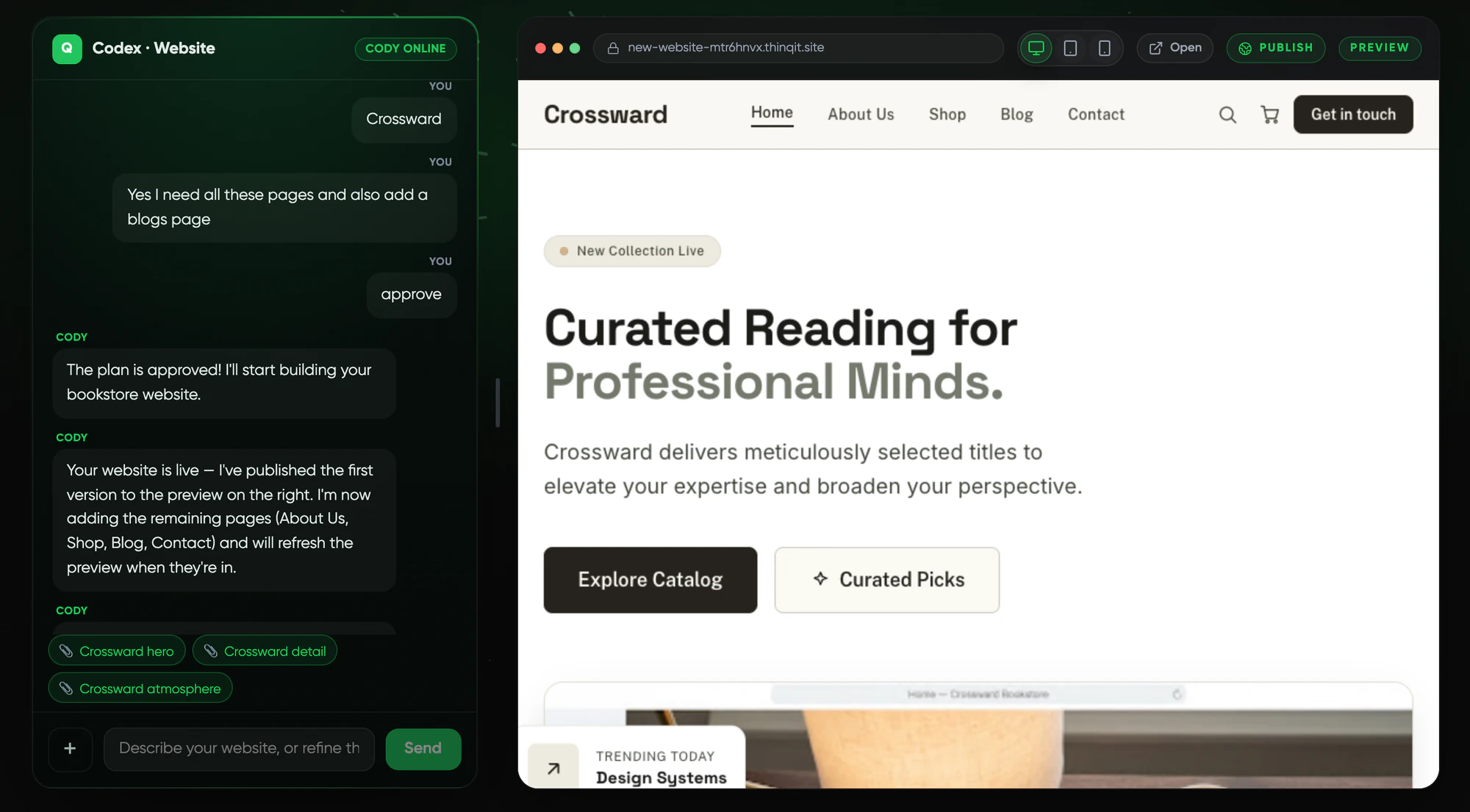
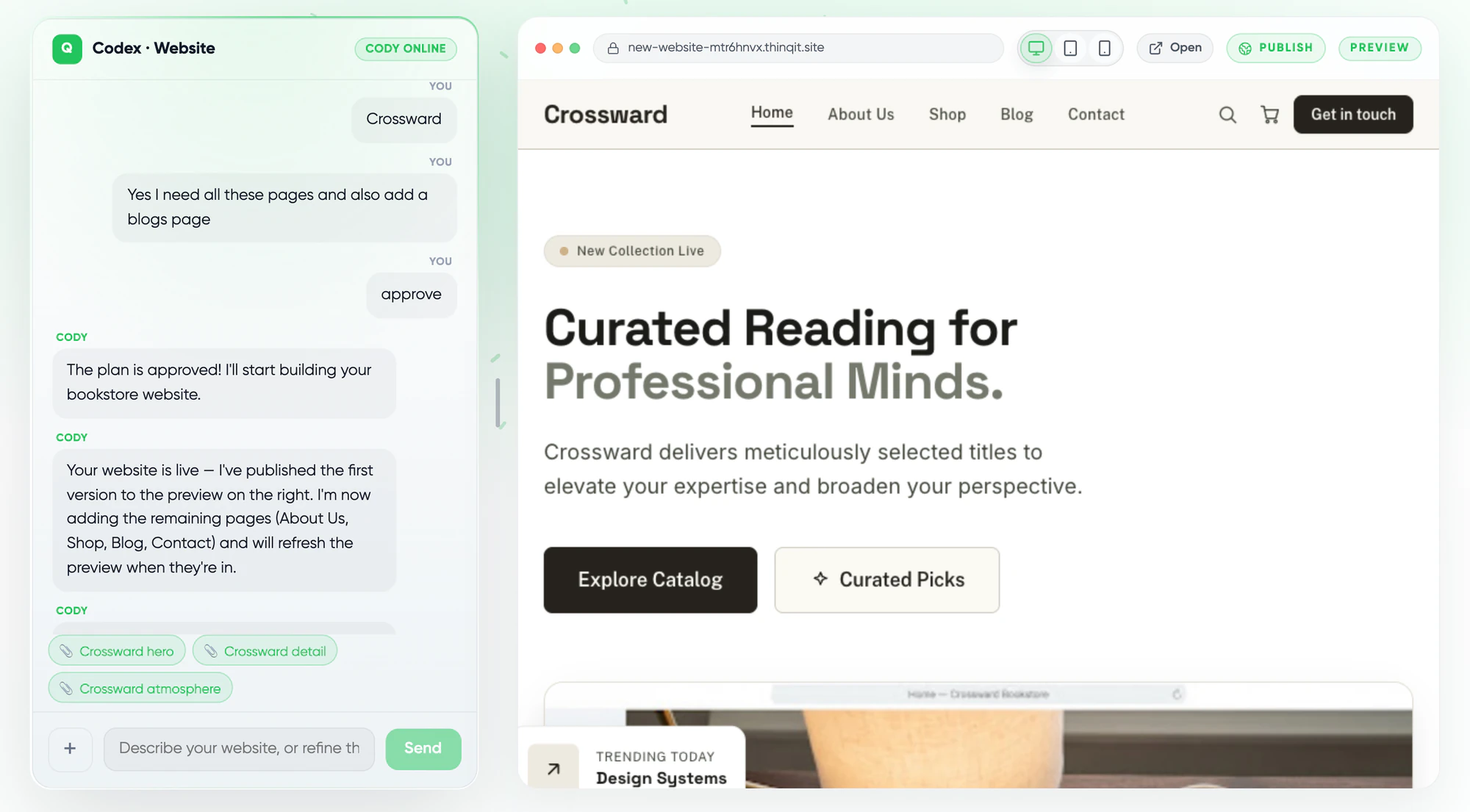
What you can build
Start a project, choose a website or a web app and describe it. Every project stays in Codex, so you can come back and keep building.
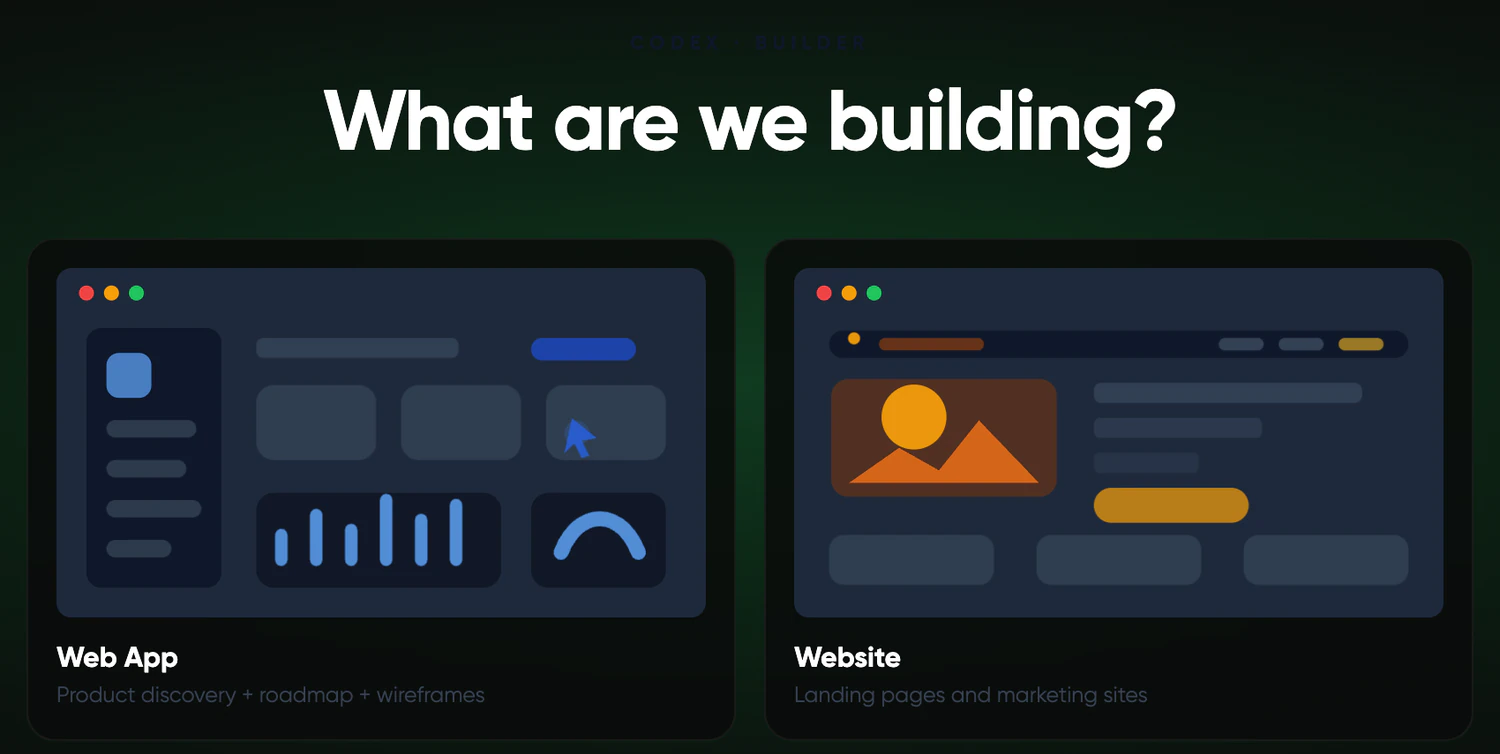
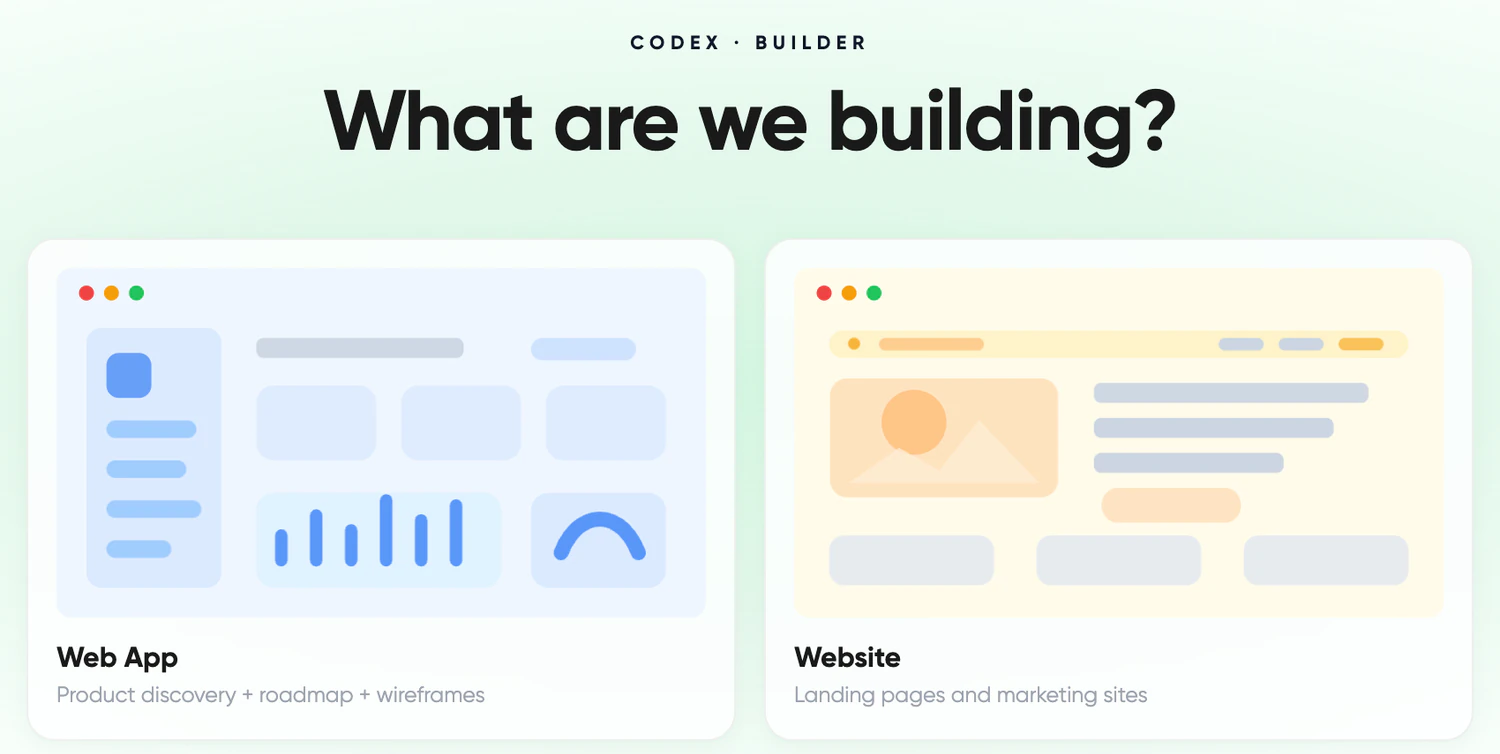
Landing pages and marketing sites with the pages you ask for, in the style you describe.
Interactive apps backed by a database, such as an ordering app, a client portal or a dashboard.
How it works
Tell Cody what the business does and who it is for. Add a logo, photos or a PDF. Cody asks a few questions and writes a plan for you to approve.
Codex builds the first version and shows it live next to the chat. Ask for changes in plain words and the preview updates.
Put it online on a free thinqit.site address, or connect a domain you own. HTTPS is set up for you.
Plan first
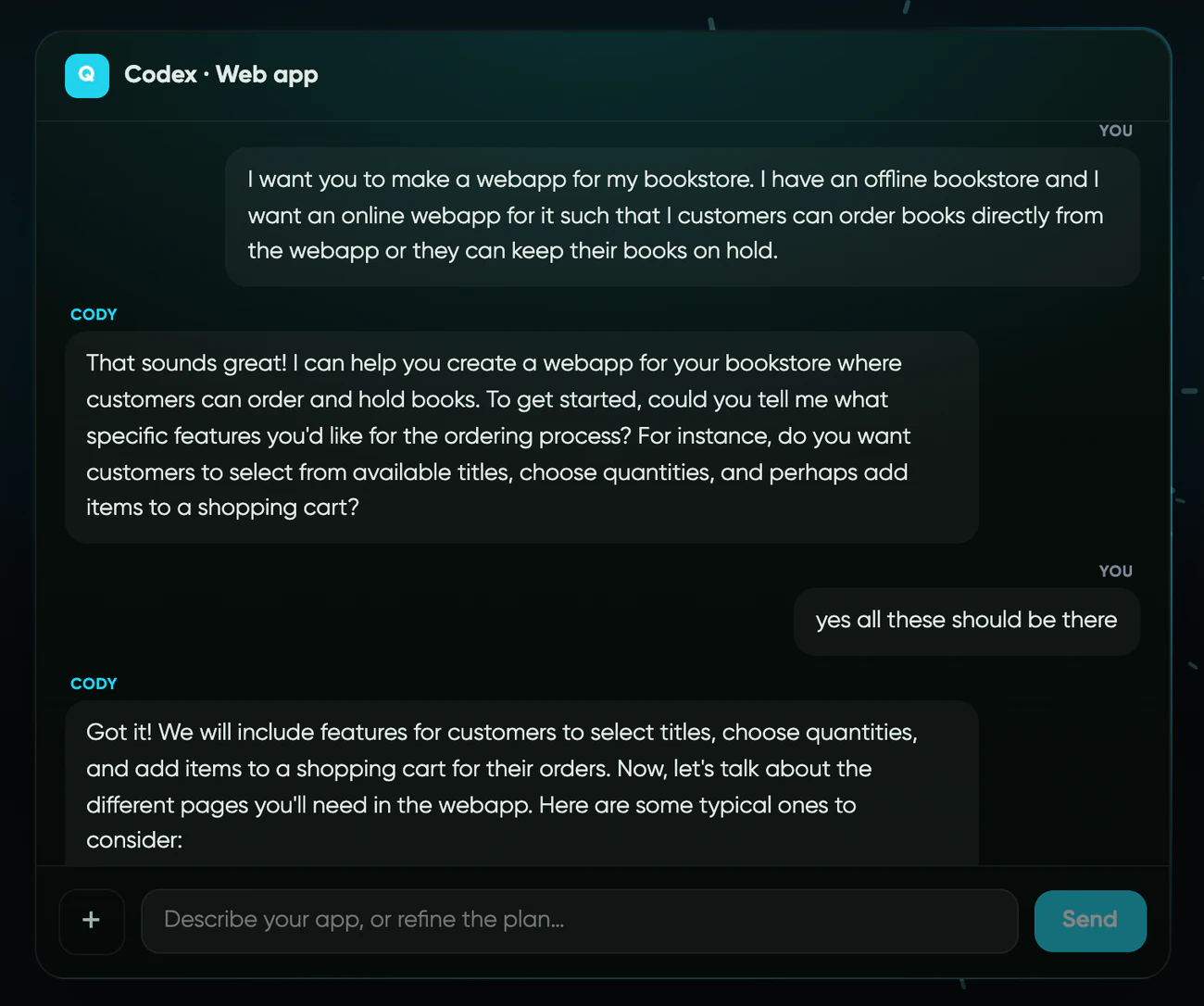
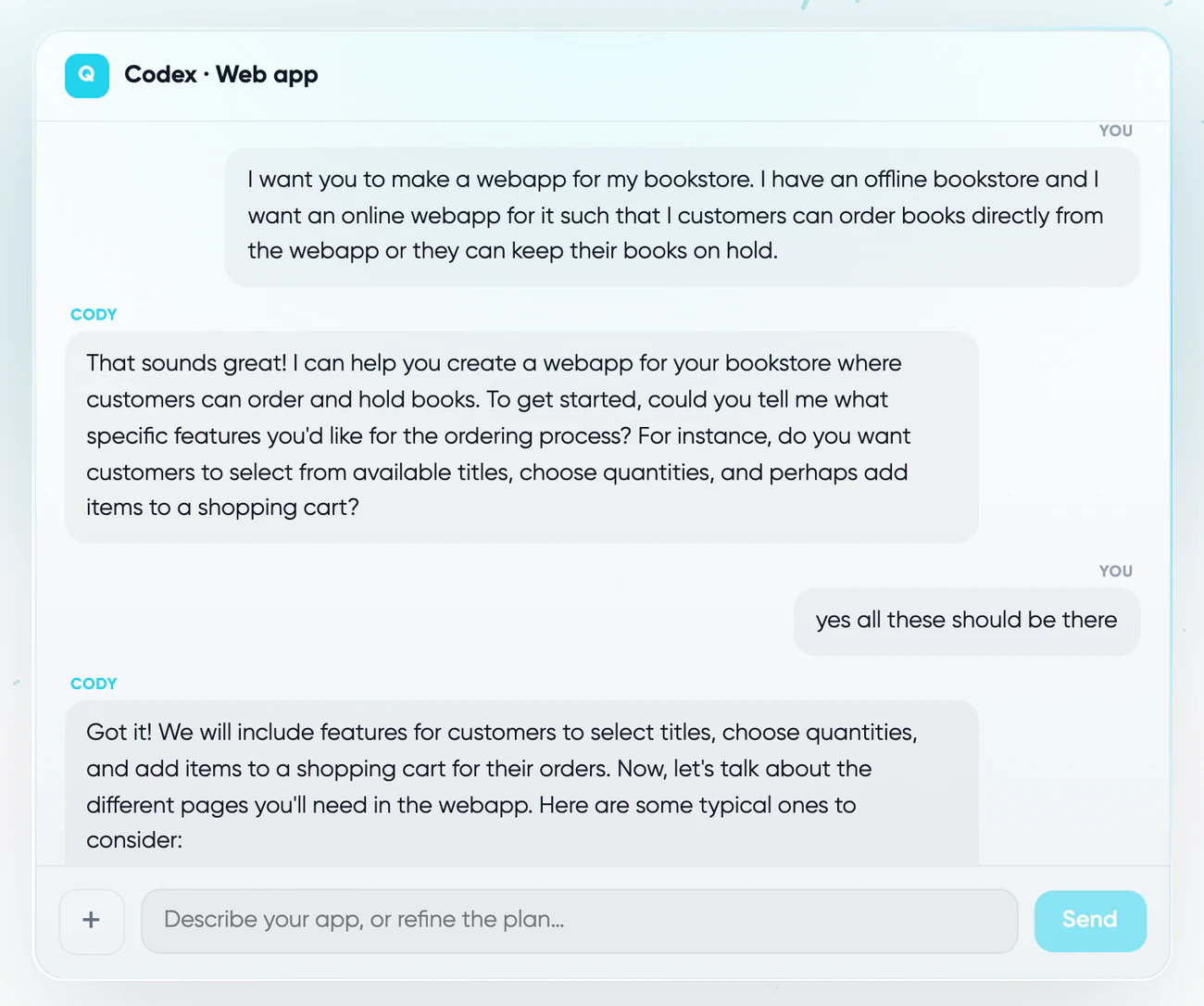
Cody asks what you are making, who it is for and which pages or screens you need. Change the plan as often as you like. The build starts when you say it looks right.
Live preview
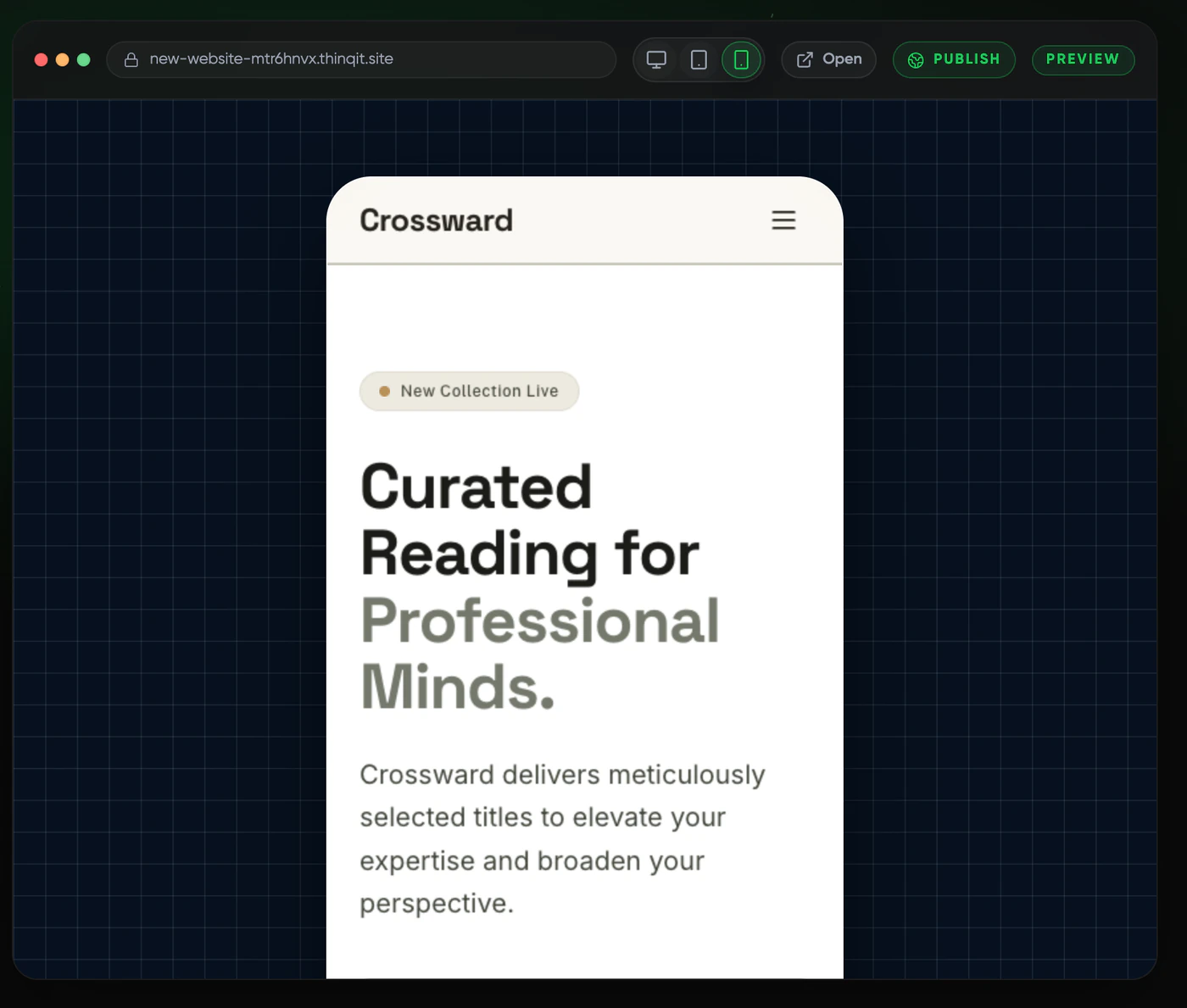
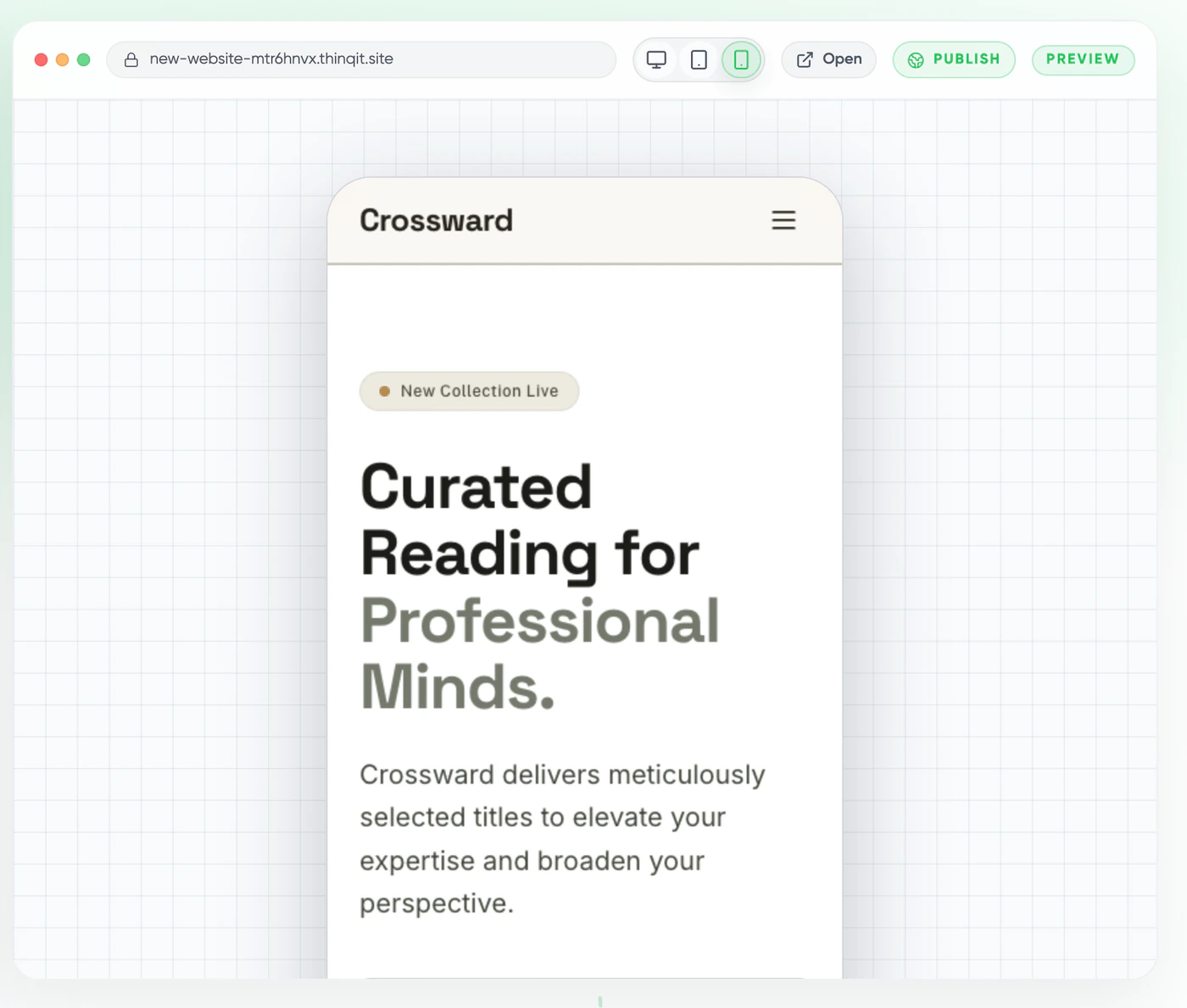
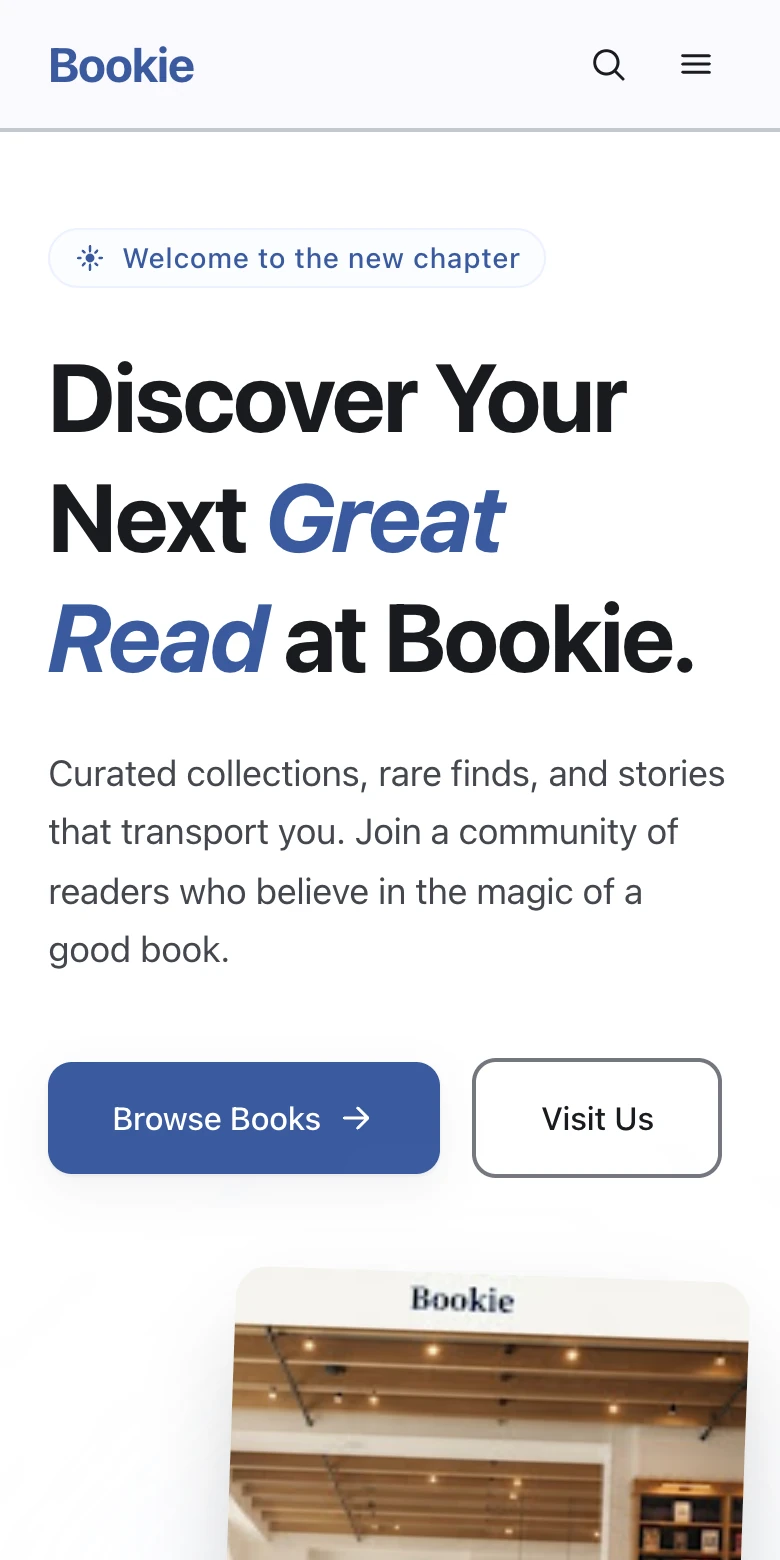
The preview sits right next to the chat. Switch between computer, tablet and phone, or open the site in a new tab. Builds run in the background, so you can close the page and come back later.
Publish
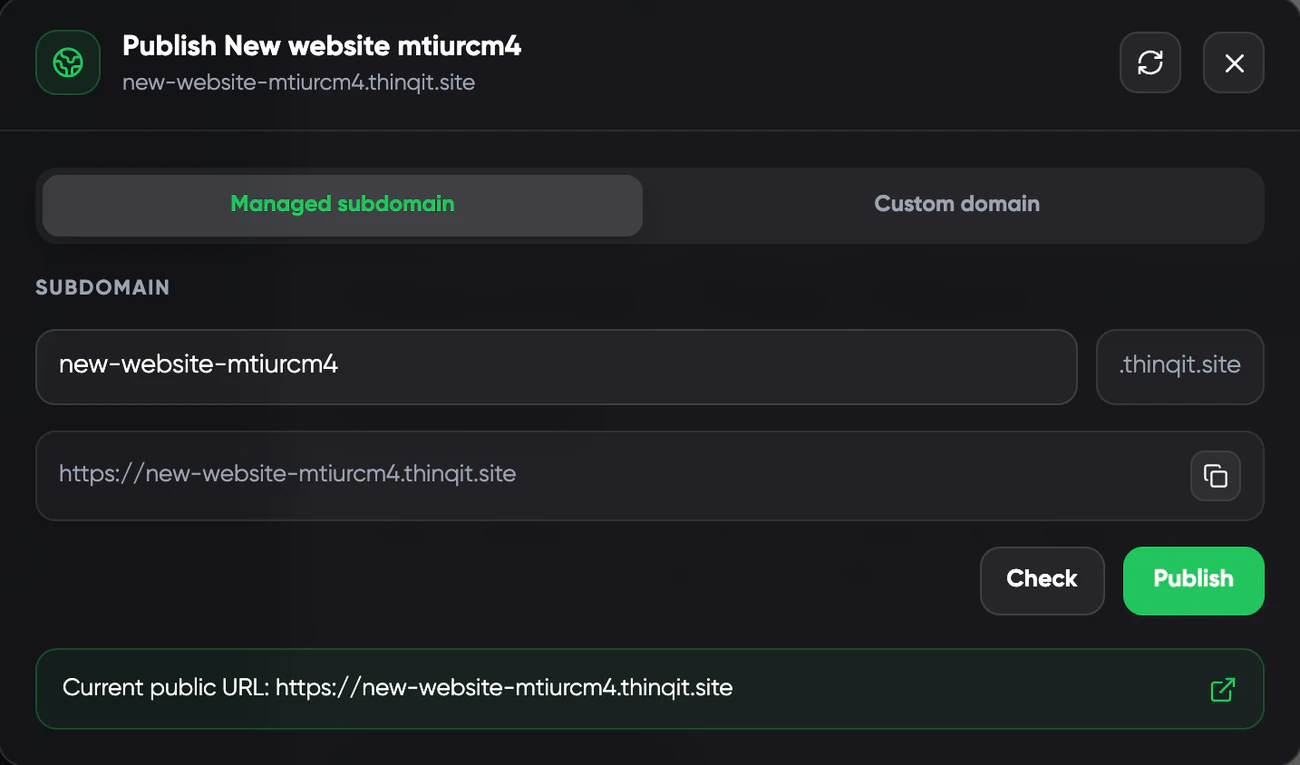
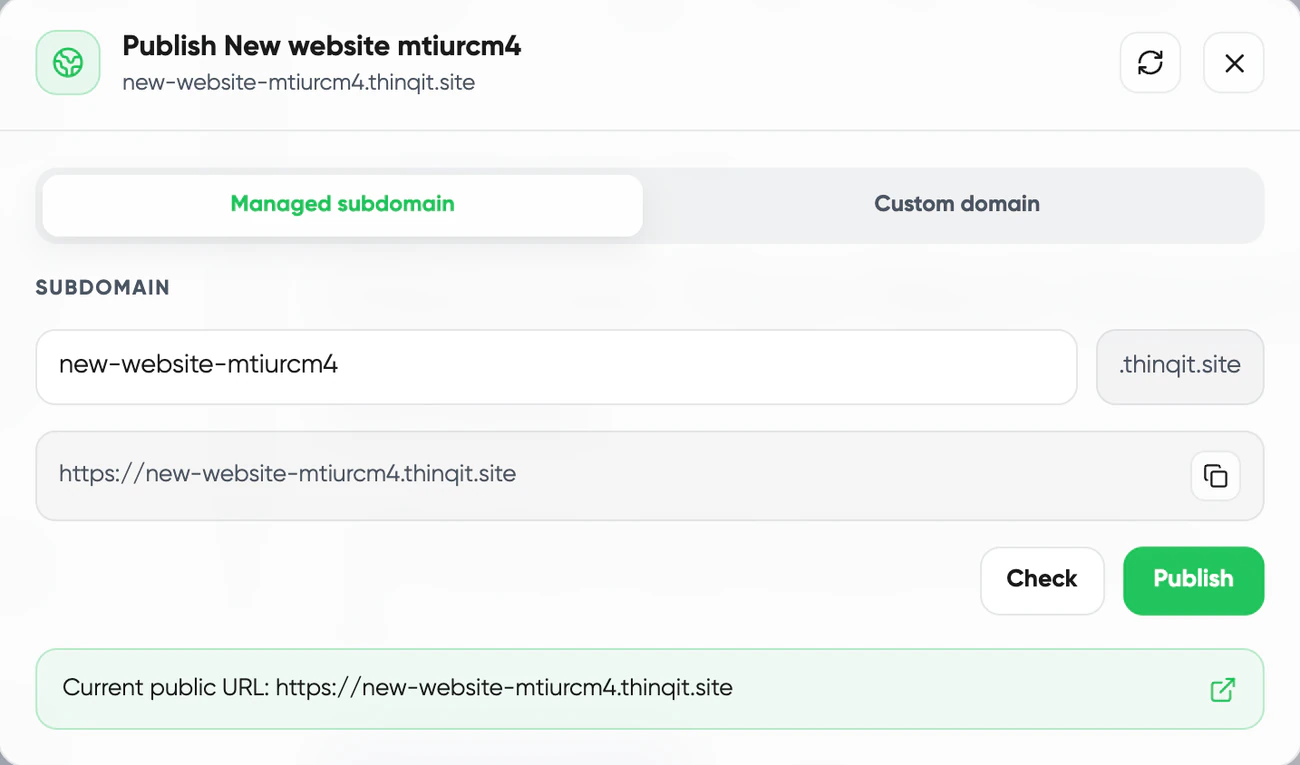
Publish on a free thinqit.site subdomain that works right away. Or connect a domain you own: Codex shows the DNS records to add and verifies them for you.
Pricing
Every plan includes monthly credits for building. Your balance is checked before a build starts, and a build that fails is not charged.
Compare plansWebsites
Sites Launch, 15 credits a month
From€20a month
Web apps
App Launch, 45 credits a month
From€50a month
Codex FAQ
Clear answers about the thinQit website and web app builder.
Codex builds websites and web apps from a conversation. Websites can be one page or many pages, and web apps are interactive and backed by a database. Every project has a live preview next to the chat.
Choose a website or a web app and tell Cody what the business does and who it is for. Add a logo, photos or a PDF if you have them. Cody asks a few questions, writes a plan and starts building when you approve it.
On a free thinqit.site subdomain that works right away, or on a domain you own. Codex shows the DNS records to add, verifies them and sets up HTTPS.
Create your account, open Codex and tell Cody what to build.
Free to sign up. No card needed.