Reviewed by Product Specialist at thinQit. Updated 21 October 2026.
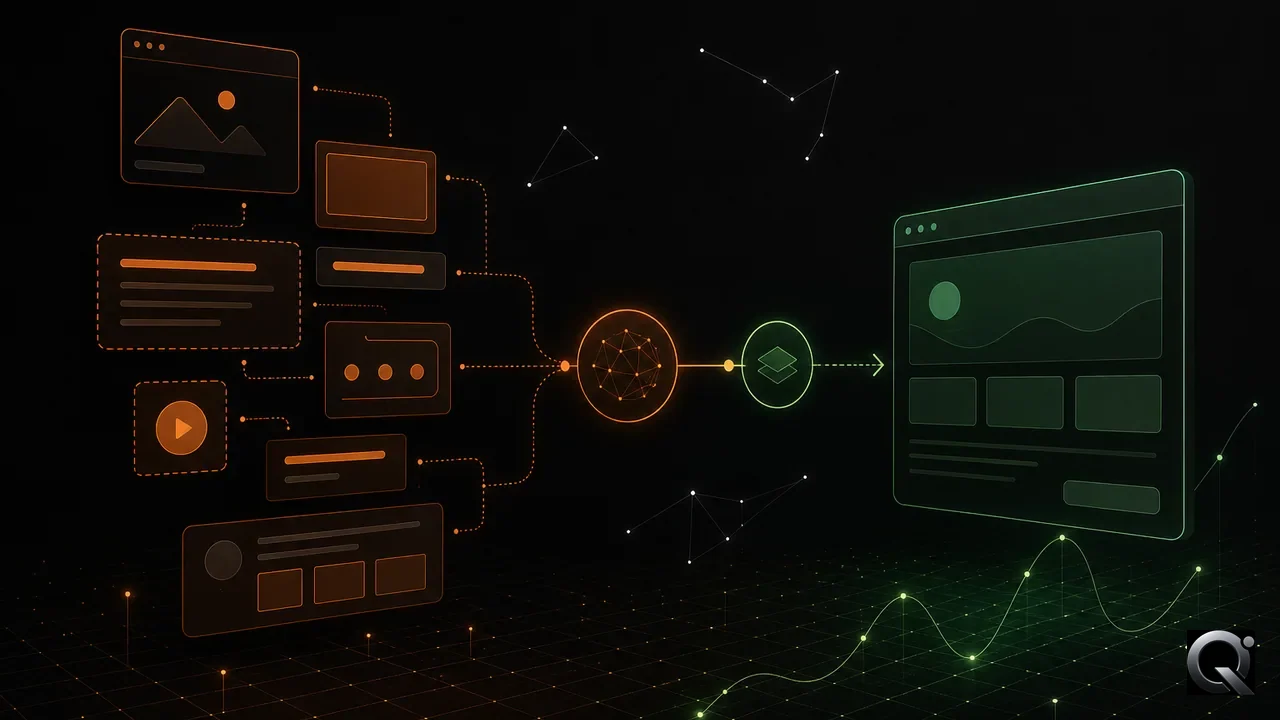
An AI website builder turns a brief into a build by converting a defined outcome, page structure, content rules, and acceptance conditions into reviewable implementation work. It works best when the input is a shared project canvas rather than an isolated prompt, because the canvas gives every generated page and later change a decision to follow.
What does an AI website builder need before it starts?
An AI website builder needs a clear user outcome, the scope of the experience, the content it may use, and the conditions that make the result acceptable. Those inputs tell the builder what to create and what to leave alone. A short brief is enough when it resolves the important decisions, but a vague request only moves uncertainty into the generated result.
Start with the person who will use the site or web app. State the action that person must be able to complete, the information required to support that action, and the boundaries that protect the rest of the product. This creates a useful distinction between required work and ideas that belong in a later decision.

A minimum context for an AI website builder should name the intended outcome, constraints, and evidence for acceptance. It does not need to describe every implementation detail. The useful boundary is whether a detail changes a design, build, or review decision.
How does the builder turn context into a website or web app?
The builder converts context into connected deliverables: page hierarchy, interface components, copy placement, interaction states, and implementation tasks. It should make those decisions inspectable instead of hiding them inside one large generated response. That approach gives a team a visible baseline it can compare with the original brief.
A practical build begins by separating stable decisions from open questions. Stable decisions include the user outcome, required content, approved terminology, and constraints such as responsive behavior or an existing design system. Open questions become explicit review points, so the build does not quietly choose a product direction on the team’s behalf.
The generated result can then be organized as pages and components with clear responsibilities. A page explains one part of the journey. A component handles a repeatable interface pattern. A state describes what a visitor sees when information is missing, an action succeeds, or a request cannot continue. This level of structure makes later review more precise than asking whether the whole result looks right.

Why is an AI project canvas useful during the build?
An AI project canvas keeps the working context available after the first generation. It connects the intended outcome, decisions, constraints, affected pages, and acceptance evidence in one place. That makes it possible to review a change against the decision that caused it, rather than against a remembered version of the original request.
The canvas should be specific enough to direct action. “Make the onboarding clearer” leaves the builder to decide what clarity means. A useful entry identifies the user action, the screen or flow involved, the constraint that applies, and the evidence a reviewer needs. When a requirement changes, the team updates that entry and can see which build work should be reconsidered.
For approval work, an AI project canvas for website approvals provides a practical way to keep the proposed outcome and its acceptance conditions together. The canvas is not a replacement for review. It gives review a reliable reference point.
How should a team review AI-generated website work?
A team should review AI-generated website work as a sequence of bounded changes, each with one purpose and a visible result. The reviewer checks the relevant path, content, and states against the agreed outcome. A code diff is useful evidence of implementation, but it does not replace a rendered check of what a visitor receives.
Review questions should be concrete. Can the intended user identify the next action? Does the page provide the information needed before asking for a decision? Does the flow behave correctly when data is unavailable or an action is complete? Does the change preserve the constraints recorded in the project canvas? Each answer establishes whether the implementation supports the product decision.

Small reviewable changes also make changes safer. A team can identify the source material, describe the intended result, define the boundary, and retain the evidence after approval. This prevents a later request from undoing an earlier decision without anyone noticing.
What happens after the first build is generated?
The first build is a baseline for controlled delivery, not the last step. After generation, the team validates the user journey, corrects assumptions, records accepted decisions, and releases changes only when the required evidence exists. This loop turns fast generation into work that can be owned and maintained.
- Confirm the user outcome and the scope of the page or flow.
- Record the decisions, constraints, and source material in the project canvas.
- Generate or revise one bounded part of the experience.
- Inspect the rendered result and the relevant interaction states.
- Compare the result with the acceptance conditions, then record the decision and evidence.
This method also helps teams working with several contributors. The article How do AI agents share project context when building one app? explains why shared decisions and boundaries are more dependable than passing disconnected prompts between agents.
When should a team avoid asking for a complete build at once?
A complete first build is useful for exposing a direction, but it is a poor substitute for decisions that have not been made. Avoid a single broad request when the project still has unresolved user flows, unclear source content, competing requirements, or acceptance conditions that nobody can state. In those cases, generation can create a polished interpretation of an unanswered question.
Break the work into the smallest meaningful units. A homepage message, a signup path, a settings screen, and an error state can each be reviewed against their own conditions. The aim is not to slow delivery. It is to make every significant choice visible before it becomes expensive to reverse.
Frequently asked questions
Is an AI website builder only useful for the first draft?
No. An AI website builder remains useful after the first draft when the team keeps the project context and makes later work as bounded changes. The generated version becomes a baseline for review, revisions, and evidence rather than a one-time output.
What should be in an AI website builder brief?
A useful brief identifies the intended user, the outcome that user must reach, the relevant pages or flow, the constraints, the source content, and the acceptance evidence. Include only detail that changes a build or review decision.
How can a team stop an AI build from drifting from the brief?
Keep decisions in a shared project canvas and review each meaningful change against that record. Define what changes, what stays unchanged, and the evidence needed for acceptance before the work is treated as complete.