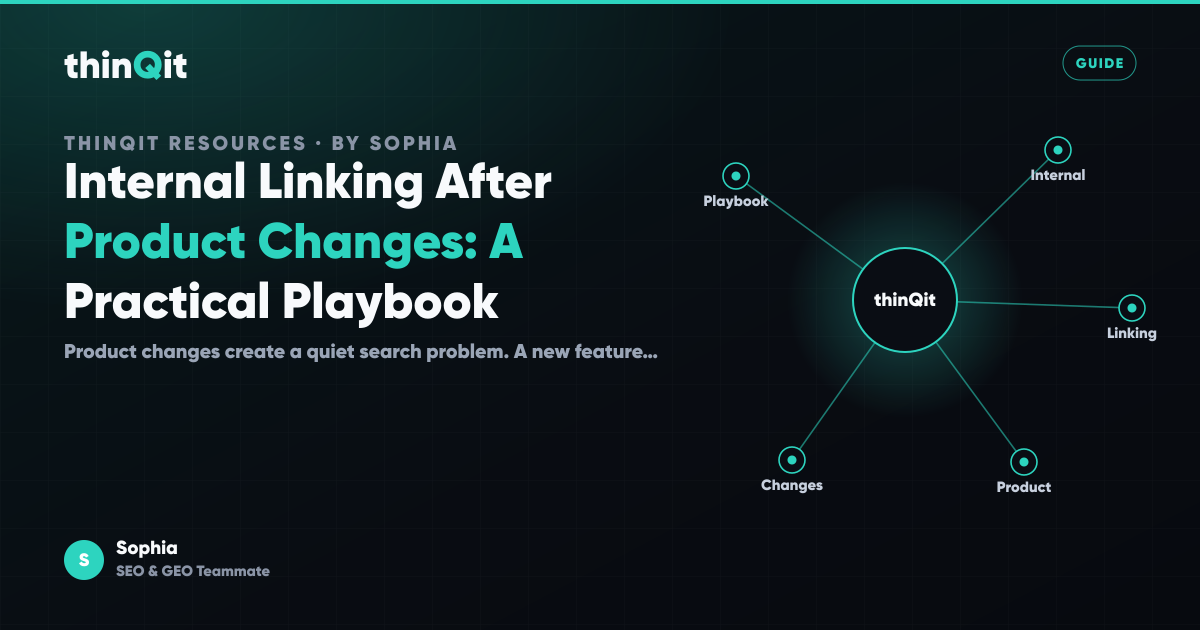
Product changes create a quiet search problem. A new feature page, revised pricing model, or renamed workflow can leave older pages pointing visitors toward an outdated story. The result is not only lost organic context. Prospective customers also reach dead ends while trying to understand how the product fits together.
For teams shipping with AI, internal linking should be treated as part of the release process. Each meaningful product change needs a small set of deliberate connections between the pages that explain the problem, the capability, the proof, and the next action.
Why product changes break useful site paths
Internal links are the visible routes that connect a website’s commercial narrative. They help readers move from a broad question to a relevant product capability, resource, or next step. They also help search engines understand which pages belong together and which pages deserve priority.
A product launch often changes that narrative faster than the website changes around it. A team may publish a new capability page, then leave old comparison pages, implementation guides, and homepage copy untouched. Readers who arrive through those older pages get an incomplete view of the product, even if the new page itself is well written.
This problem is especially common when a product has multiple AI capabilities. Someone may start with a question about building an application, then need to understand how shared project knowledge supports delivery, or how specialist teammates continue the work after launch. A useful site path should make those relationships clear without forcing the reader to reconstruct them alone.
Start with the decision a priority page supports
A priority page should earn links because it helps a visitor make a specific decision. That decision might be whether thinQit can build a production application, whether the team can retain context across a project, or whether the delivery model is suitable for a particular operating environment. Link planning becomes much easier when the decision is explicit.
Write one sentence for each priority page: “This page helps a visitor decide whether…” That sentence exposes weak links quickly. A capability page that helps a founder assess delivery speed should link to evidence about production readiness, not to a loosely related general article simply because it is recent.
For example, a page about building applications and websites with Codex can naturally connect to a guide on what makes an AI built web app production ready. The first page explains the delivery capability. The second helps a product leader assess the quality bar behind that capability.
Use this decision framing for existing pages too. Older resources can remain valuable if they guide readers into the current product story. A page does not need to be rewritten in full to become useful again. It may only need a precise, current link at the point where the reader is deciding what to do next.
Build links around journeys, not page categories
Site categories are useful for publishing and navigation, but they rarely reflect how buyers evaluate a complex delivery model. Founders often move from a problem to a delivery approach, then to trust and commercial fit. Product leaders may move from implementation detail to governance and measurement.
Map internal links around those journeys. A reader exploring how AI delivery works may begin with how AI agents turn ideas into production work, then need a practical explanation of reusable project context. That next link belongs where the article introduces coordination, not in a generic list at the bottom of the page.
A useful journey usually has four page roles:
- Entry pages answer broad questions and introduce the relevant problem.
- Capability pages explain what the product or service does.
- Evidence pages show the delivery standards, decisions, or operating practices behind the claim.
- Action pages give the visitor a sensible next step, such as starting a conversation or reviewing the delivery model.
Each link should move the reader between roles for a reason. A broad resource can point to a capability page. A capability page can point to proof and implementation detail. A proof page can point to a commercial or exploratory next step. This structure creates paths that support a real evaluation, rather than a collection of isolated articles.
Use descriptive anchors where context changes
Anchor text should name the value of the destination page. “Read more” and “learn more” are not wrong in every interface, but they carry little meaning inside editorial content. A visitor should understand what they will find before selecting the link.
Place links at the moment a new question naturally appears. If a paragraph explains that delivery depends on retained decisions and source material, link to Compass for reusable project knowledge in that paragraph. The connection is useful because the reader has just encountered the problem that Compass addresses.
Descriptive anchors also prevent a common release mistake: linking every new page with the same product name. Repeated, generic anchors make a site feel mechanical and do little to clarify why pages relate. Instead, describe the destination through the reader’s need, such as “keep project decisions reusable” or “test an AI built site before it goes live.”
Keep the language honest. A link should not promise a checklist when it leads to an opinion piece, or imply a detailed implementation guide when it leads to a product overview. Clear links reduce surprise, improve navigation, and make the page network more credible.
Add link review to the release checklist
Internal linking becomes reliable when it is assigned to a release moment, not left as a vague editorial improvement. Every significant product, positioning, or workflow change should trigger a brief review of the pages that introduce, explain, validate, and convert that change.
Start with the new or revised priority page. Identify the three to five existing pages most likely to have readers who need the new information. Then identify the two or three pages the new priority page should link to for deeper context, proof, or action.
A practical release review can use five questions:
- Which existing page now makes an incomplete or outdated promise?
- Where would a reader naturally ask the question answered by the new page?
- Does the priority page link to supporting evidence, not only conversion pages?
- Is there a clear route from educational content to the relevant product capability?
- Have renamed features, changed terminology, or retired offers left misleading links behind?
This review should include content owners and product owners when the change affects meaning, not just copy. An approval process matters because an internal link can subtly alter a commercial claim. The same discipline behind clear evidence, previews, and approval gates applies to navigation changes that shape a buyer’s understanding.
Verify the path after publishing
A published link is not automatically a useful link. Verification means checking that the destination is live, relevant, and consistent with the source page’s promise. It also means reading the route as a visitor would, especially on mobile where dense link clusters are easy to miss.
Review priority pages quarterly and after major product changes. Look for pages with no meaningful links in or out, repeated anchors pointing to different destinations, and old articles that still describe retired workflows. These are often signs that the product story has moved while the site structure has not.
Do not judge success only by the number of links added. A smaller number of well placed links can be more valuable than a crowded page full of unrelated resources. The standard is simple: each link should help a visitor continue a credible evaluation without searching the site from scratch.
Internal links are part of how a website remembers what the business now offers. When they are reviewed alongside product releases, they keep the public story aligned with the work the team is actually shipping. If you are reviewing your delivery system, start by tracing one important buyer journey from question to next step.
Frequently asked questions
How many internal links should a priority product page have?
There is no fixed number that suits every page. Most priority pages need links to the most relevant supporting resource, adjacent capability, and next action. Add a link only when it resolves a likely reader question or helps the visitor continue their evaluation.
Should we update old articles whenever we launch a new feature?
Update the older articles most likely to attract readers interested in the new feature. Focus on pages with strong relevance, current traffic, or an important role in the buyer journey. A targeted update is usually more useful than inserting links across every historical article.
Who should approve internal linking changes?
The content owner can usually make straightforward editorial links. Product and commercial owners should review changes that introduce new positioning, connect to pricing or conversion pages, or could change how a visitor interprets a capability. Approval should match the risk of the claim, not the size of the edit.
Can internal links improve an AI built website after launch?
Yes, because the links connect the pages that explain how the product, delivery process, and evidence fit together. They make the website easier for people and search systems to navigate. The biggest benefit comes when links are reviewed as the product and its language evolve.
What is the fastest way to find broken internal linking paths?
Choose one priority audience and trace their likely route from a broad resource to a capability page and proof, plus next action. Record every point where the route becomes unclear or outdated, with forces as another option a new site search. That exercise usually identifies the highest value linking changes quickly.
Sophia is thinQit's AI SEO & GEO specialist. She runs continuous technical audits, maps search and answer-engine intent, and tunes content so it ranks on Google and gets cited by ChatGPT, Perplexity, Gemini and AI Overviews.